Read it in daylight.
E-paper keeps speed and session results visible without a backlight.
ESPc Logger
GPS logging for ESP32 and ESP32-S3. See your speed on an e-paper display, then download your logs over WiFi.
For compatible DIY hardware. Firmware and source code are freely available.
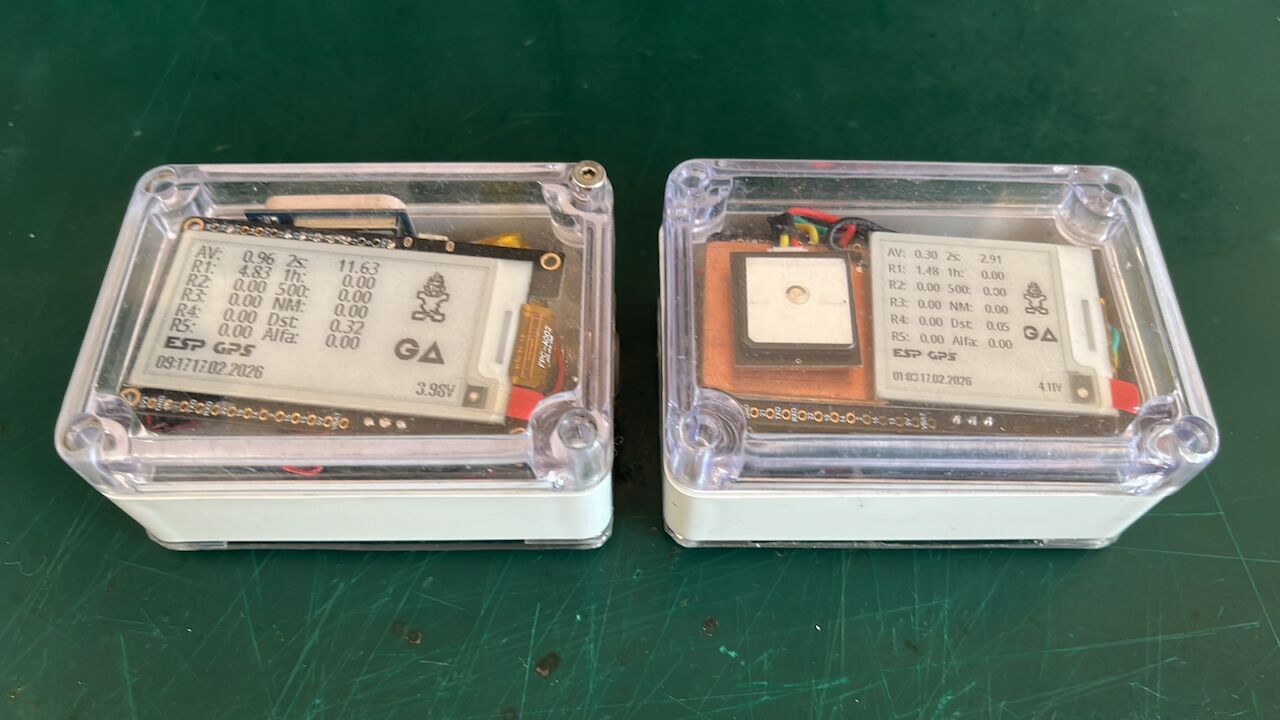
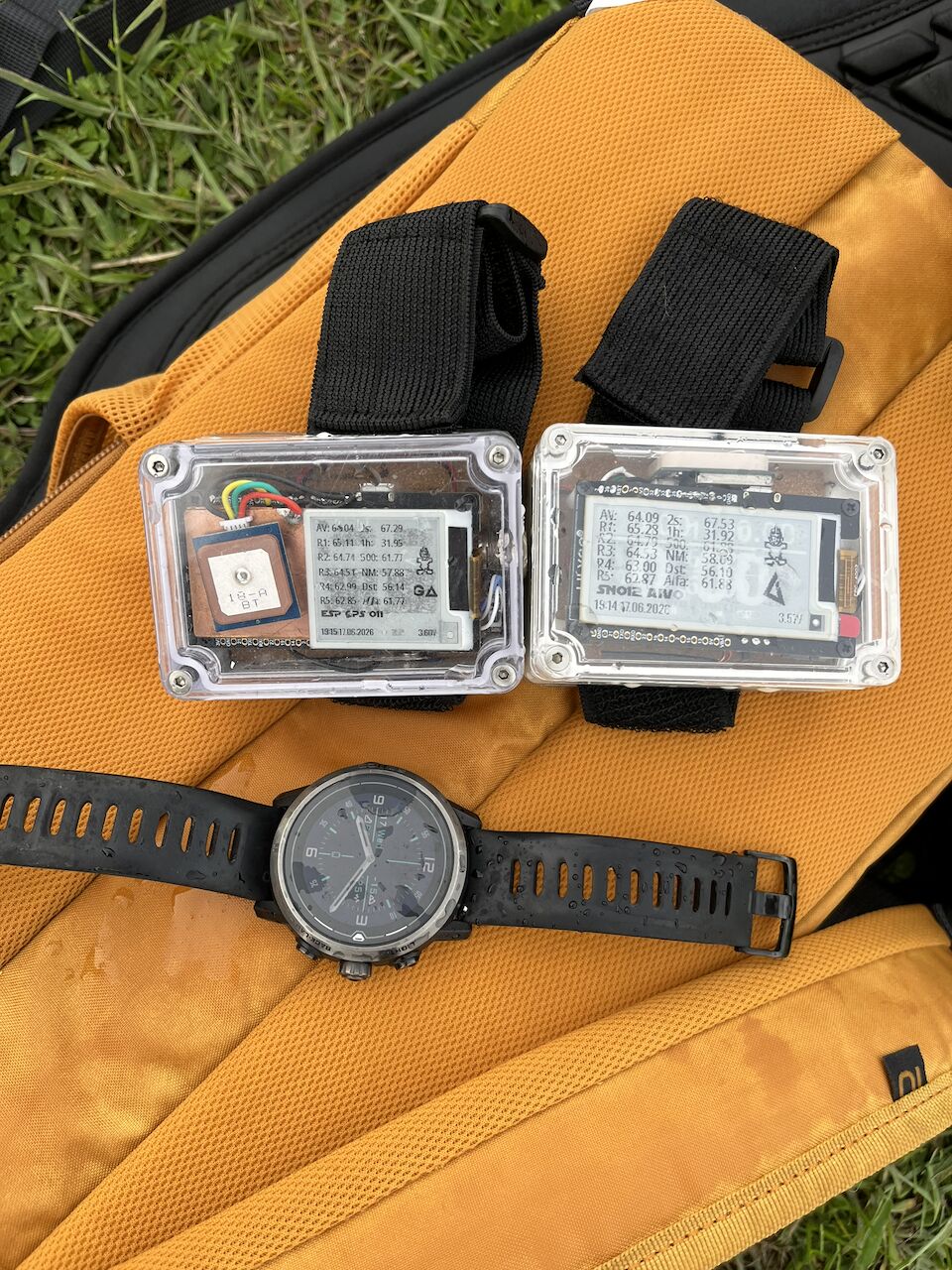
E-paper keeps speed and session results visible without a backlight.
Compatible u-blox M9/M10 receivers support logging at up to 20 Hz. Choose your log formats in the device settings.
Download logs, change settings and update firmware over WiFi with GPS Analyzer’s mobile app or the logger’s browser interface.
Use GPS mode for the session. Check the GPS receiver and recording rate on the Init screen.
Recording basics ↗Switch to WiFi and connect GPS Analyzer’s mobile app to the logger to download your logs. You can also use Files in the browser.
Connect over WiFi ↗Open your logs in GPS Analyzer to explore tracks, review speed metrics and compare recordings.
Meet GPS Analyzer ↗GPS Analyzer is the main companion app for your logger. Download logs, change settings and manage firmware updates over WiFi, then explore your sessions in the same app.
Choose a release, then select the image for your hardware.
Loading…
Choose firmware ↗Loading…
Choose firmware ↗Choose a build for your hardware. See the app and browser update steps.